
For universities and research groups
Quantum coursework, assessed by execution.
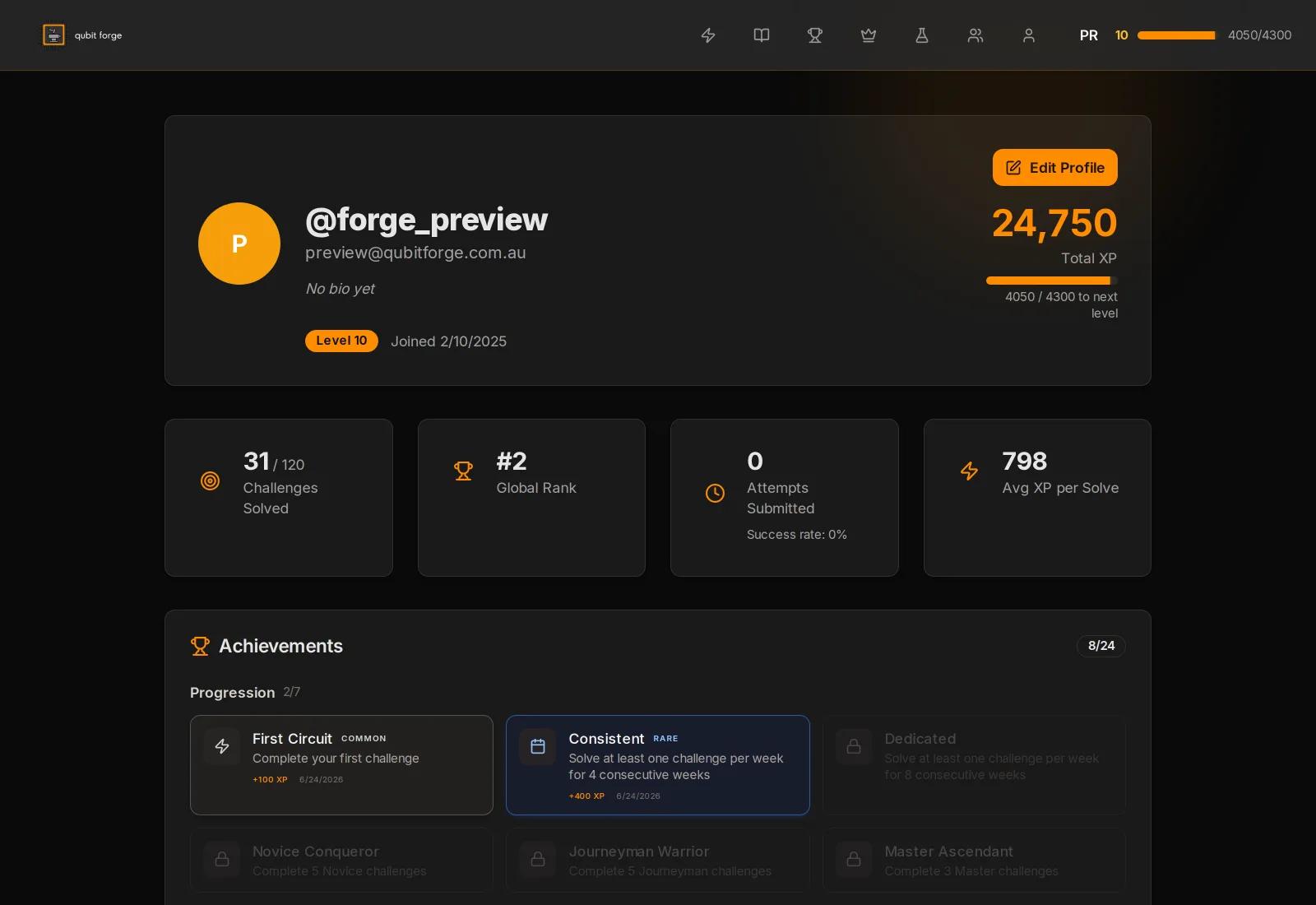
Students submit circuits. Each one is executed against defined criteria and scored, and the result lands against the cohort you set up.
Practical ability is hard to assess at scale.
A quantum computing unit can teach circuit construction to two hundred students in a semester. Confirming that each of those students can build one is the part that does not scale.
Four instruments are in common use, and each of them leaves something unrecorded.
- Written exams. They measure theory. Implementation is a separate skill and goes unmeasured.
- Marked assignments. Consistency drops as the cohort grows, and the work is easy to copy.
- Hardware lab access. Expensive, queue-limited, and it does not stretch to a full cohort.
- Self-reported portfolios. No execution record sits behind the claim, so there is nothing to verify.
The transcript ends up recording that a student sat a quantum unit. It holds no evidence of what the student built.
Every submission is executed, then scored.
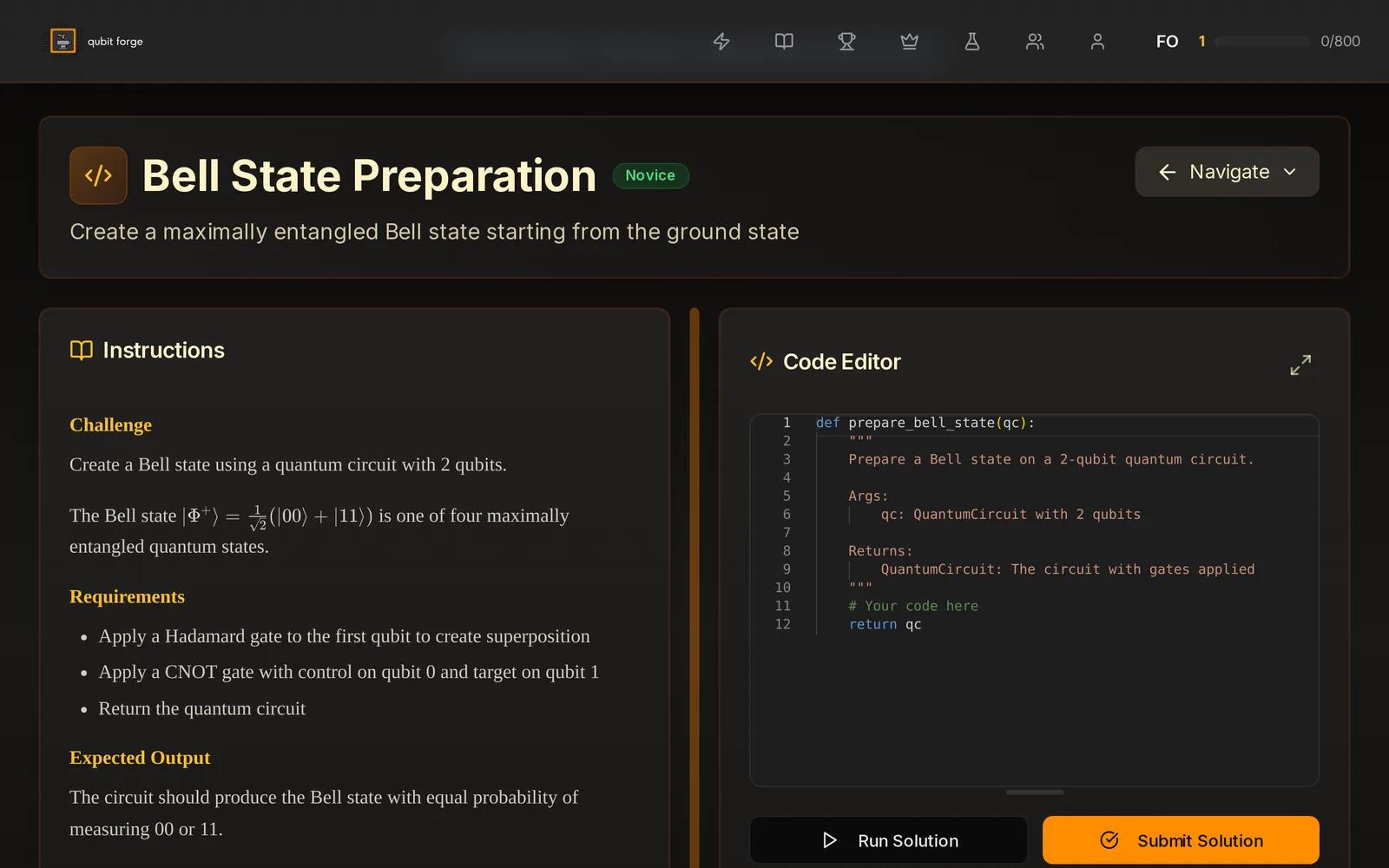
A student writes the circuit in the browser sandbox and submits it. The platform runs it and returns a score against the criteria set for that challenge. There is no marking queue, and the same criteria apply to every student in the cohort.
- Correctness. The measured output is compared against the state or distribution the challenge requires.
- Efficiency. Gate count and circuit depth are compared against a reference solution.
- Constraint adherence. Depth limits, permitted gate sets and device connectivity are checked on every run.
Instructor tools
Run a cohort, and read what it produces.
Cohort management
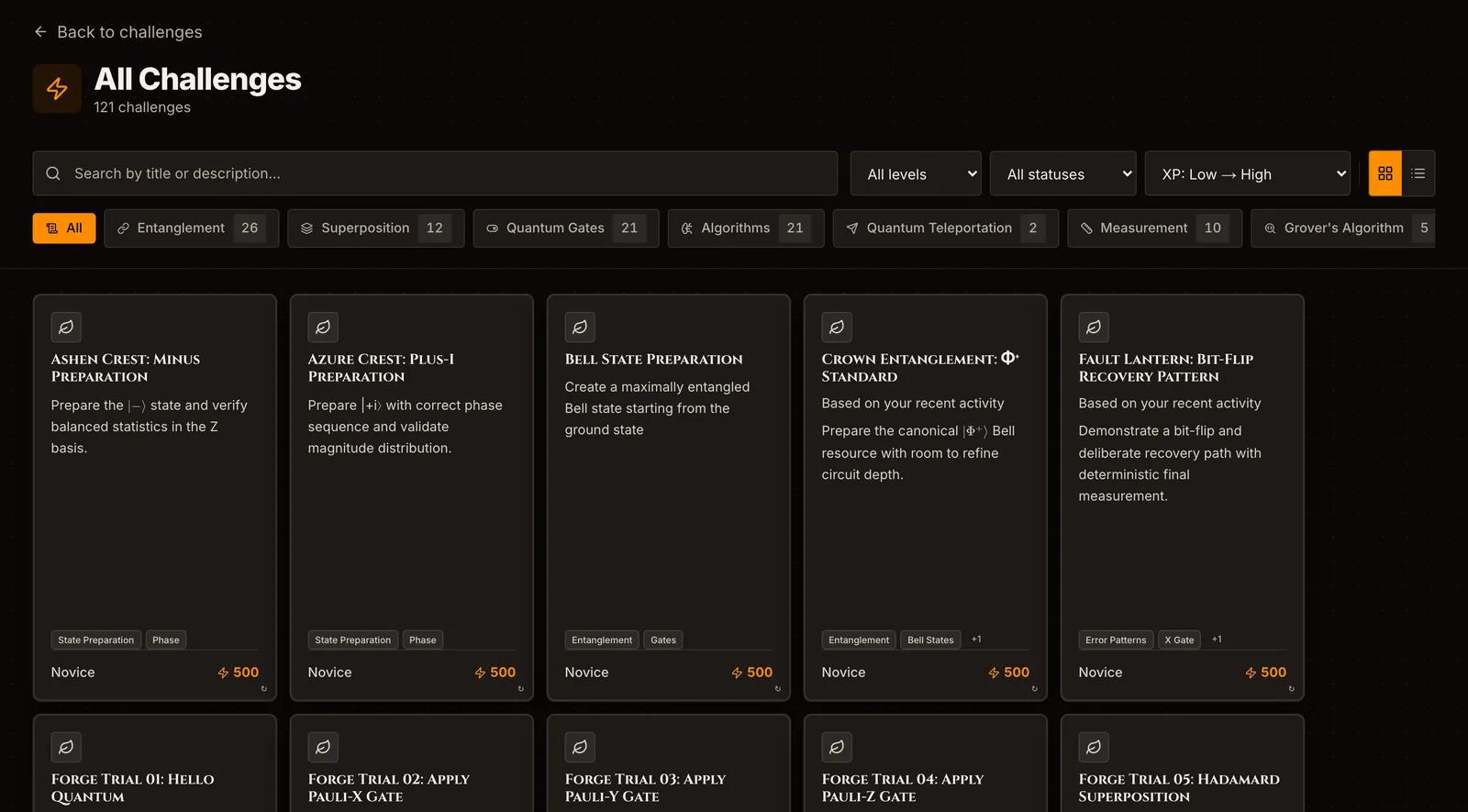
- A private cohort with the challenge set matched to your syllabus.
- Release schedules and deadlines set per challenge.
- A private leaderboard, or the global ladder filtered to your organisation.
- Multiple sections, semesters and programs under one institutional account.
Analytics and benchmarking
- Skill distribution by topic, so weak areas surface before the exam does.
- Progression across the semester, for the cohort and for each student.
- Percentile comparison against anonymised global performance.
- CSV export, and API access for a direct feed into your systems.
The library, by category.
Six categories, aligned to standard quantum computing curricula. Select the ones that match your unit objectives.
| Category | Topics | Level |
|---|---|---|
| Fundamentals | Gates, superposition, measurement | Introductory |
| Entanglement | Bell states, GHZ, W states | Intermediate |
| Algorithms | Deutsch-Jozsa, Grover, QPE, QFT | Intermediate to advanced |
| Variational | VQE, QAOA basics | Advanced |
| Optimisation | Circuit compilation, depth reduction | Advanced |
| Error mitigation | Noise-aware circuit design | Advanced |
Custom challenges are written to order on research and enterprise licences. Academic licences include two a semester.
Four levels of access.
Pilot program
For an accredited university or research institution evaluating the platform. Up to 50 students for three months on the core challenge library, with cohort analytics.
Free for qualifying institutions
Academic licence
Unlimited students within the licensed programs. Full challenge library, complete analytics suite, private leaderboards, two custom challenges a semester and LMS integration support.
About $100 per student per semester
Research licence
Flexible allocation for labs and groups, with extended execution credits that cover hardware access. API access and priority support are included.
Quoted on group size
Enterprise licence
For organisations running quantum training programs. Custom deployment, white-label options, custom challenge development and talent pipeline integration.
Quoted on group size
Pilot partners are being confirmed now. Institutions that agree to be named will be listed here, with the unit and the cohort size beside them.
From request to first results.
- 01
Request access
Send your institution and program details through the institutional form.
- 02
Take the walkthrough
We go through the platform with you and map the challenge library onto your unit outline.
- 03
Set up the cohort
We create your organisation and you assign the first challenge set. Setup takes 48 hours.
- 04
Invite the students
Students join through an invite link and attach to your organisation at sign-up.
- 05
Read the analytics
Scores and skill distribution appear in the dashboard as submissions land.
Integration
- Standalone. Students use the platform directly. Instructors work from the institutional dashboard.
- LMS export. Results move into Canvas, Moodle or a custom target over the API.
- Single sign-on. SAML and OAuth against the directory your students already authenticate with.
- API. Submission and result retrieval over the API, with the analytics endpoints alongside them.
Data exports and API credentials are available on academic, research and enterprise licences.
Questions institutions ask.
Can students use accounts they already have?
Yes. An existing free account joins an institutional cohort without being recreated, and cohort performance is recorded separately from personal activity.
How do platform scores become grades?
Export the scores as CSV or pull them over the API. We supply suggested rubrics for mapping platform scores onto your grade bands.
What stops students copying each other?
Every submission is evaluated on its own, and the spread of challenges makes wholesale copying impractical. Institutional accounts also carry plagiarism detection.
What do students need to run it?
A web browser. Execution happens on our infrastructure, so no local install and no lab machine is required.
Does the platform meet accessibility requirements?
It is built to WCAG 2.2 AA. Contrast, keyboard operation, visible focus, 200% zoom and reduced motion are all covered, and we supply the detail your procurement review asks for.
Who supports the rollout?
Institutional accounts carry a named account manager, who handles curriculum integration guidance and technical support for both students and instructors.
Set up your institution.
Tell us about the program and we will take you through the platform. Setup takes 48 hours from there.
Enterprise enquiries go tohello@qubitforge.com.au